Products / 2026 / Live in the browser
MindMesh Board
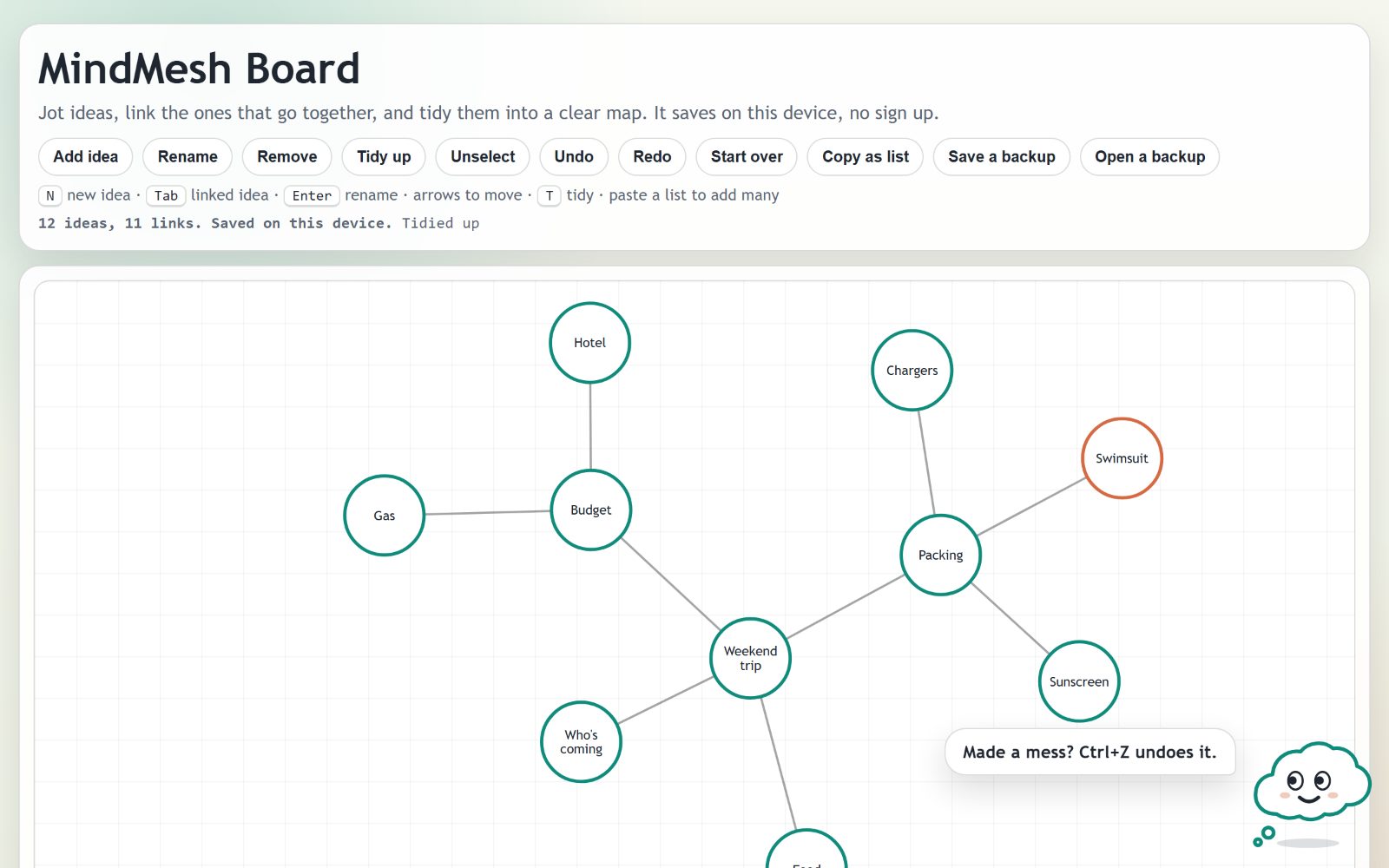
Jot ideas, link the ones that go together, and tidy them into a clear map. Tab adds a linked idea, a pasted list becomes a map, and Pip, a thought bubble mascot, helps along the way.
01
The problem
Most mind-map tools make you click, drag and link every idea by hand, so the map falls behind the thinking, and the result is stuck in that app. This board also had its own bugs: an idea removed in one tab came back as soon as another tab synced, and nothing kept a growing board from turning into overlapping circles.
02
How I approached it
Tabs share snapshots over BroadcastChannel. Removing an idea leaves a timestamped tombstone, the last-writer-wins element set from Shapiro et al., so an older copy from another tab can't bring it back, while an edit made after the removal still wins; undo restamps what it restores so the other tab follows. Tidy up is a seeded Fruchterman-Reingold spring layout with the spring length capped at 150 px and repulsion cut off past 2k so small maps stay compact, then a pass that pulls apart any circles still touching. Tab places a new linked idea on a free spot facing away from its parent's other links and opens an inline name box, and arrow keys hop to the nearest idea in a 90 degree cone. Lists go in and out by CommonMark nesting rules. Pip is an inline SVG whose face follows the board's state, whose eyes track the pointer and the picked idea, and who speaks through an aria-live bubble.
03
The outcome
A board you can fill from the keyboard: Tab, type, Tab again. One key tidies it so linked ideas sit together with no overlaps, Copy as list turns it into bullet points, and pasting a list builds a map. Long names wrap inside their circles. 35 tests with no dependencies cover tab merging and tombstones, undo restore, the layout, keyboard placement, label wrapping, list round trips and Pip's tips.
Related work
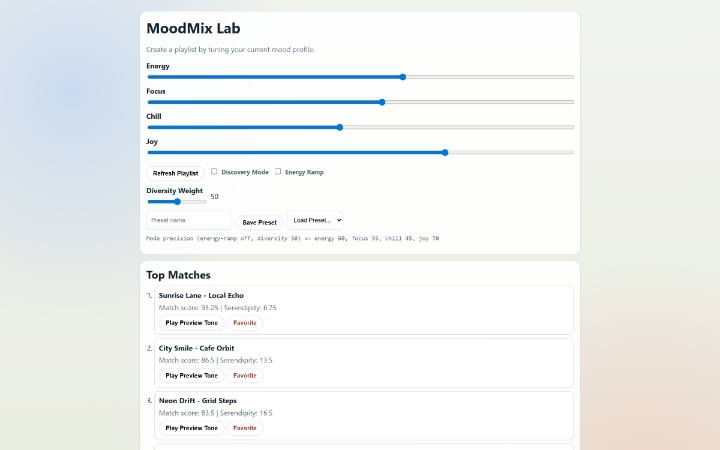
Set four mood sliders and get a playlist you can see the reasoning behind, with a short preview that sounds like each track's mood.

Adaptive study system with 1,017 questions across 28 topics that learns which topics you're weak at and schedules what to review next.
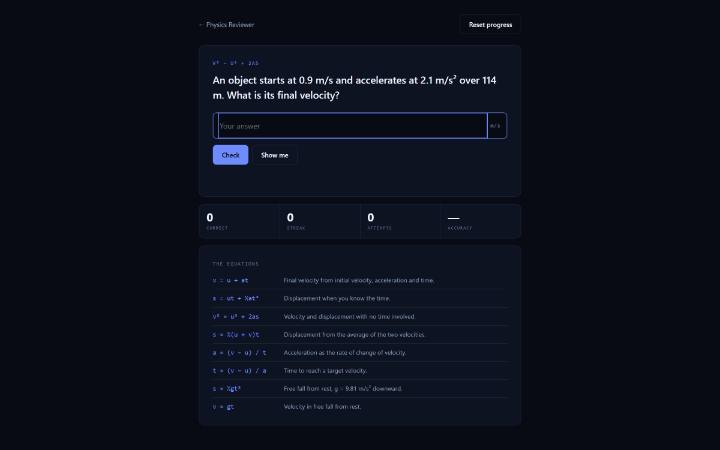
A kinematics trainer that generates its own problems, marks them instantly and shows the full working either way.