Computer vision / 2026 / Live in the browser
Globe Control
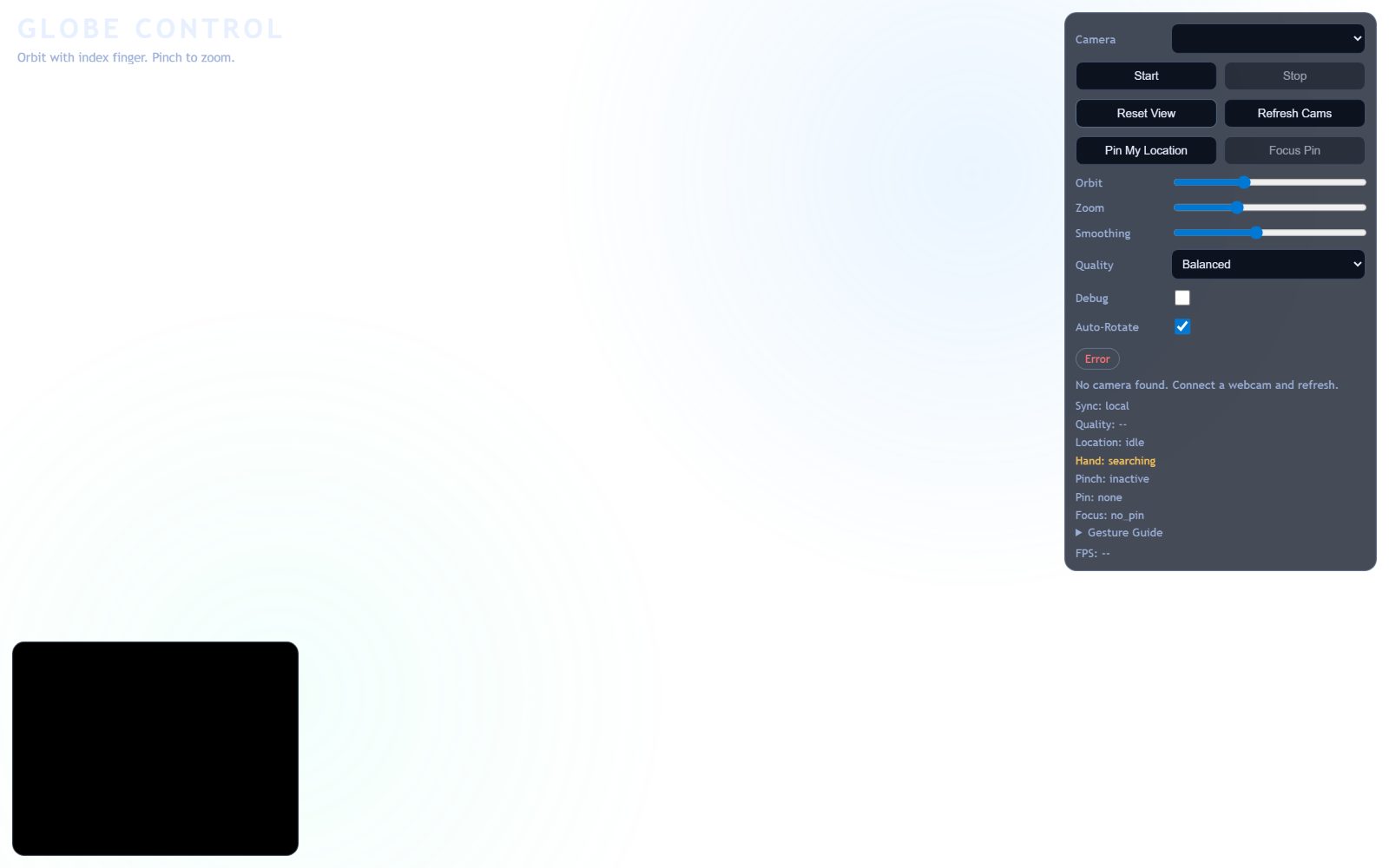
A 3D globe you steer with your hands: pinch to zoom, move your finger in mid-air to spin it. No camera? Drag, scroll, pinch with two fingers or use the arrow keys.
01
The problem
Touchless interfaces feel laggy because raw landmark data is noisy, and a globe that only moves for a hand in front of a webcam shuts out everyone without one.
02
How I approached it
The fingertip pointer is smoothed and outlier jumps are dropped before it reaches the globe, and gestures are debounced by frame counts: a pinch must hold for 4 frames to start zooming and orbit needs 3 frames moving the same way, so a single jitter can't trigger either. A pinch-off threshold above the pinch-on one gives hysteresis, and tracking frames below a quality floor freeze control. Mouse drag, wheel, two-finger pinch and arrow keys drive the same orbit and zoom targets, which covers WCAG 2.1.1 (keyboard) and 2.5.1 (a single-pointer alternative to a multi-point gesture).
03
The outcome
Control that feels physical rather than twitchy, with an optional Express backend for session telemetry. The pointer, wheel and pinch maths are unit tested under Node.
Related work
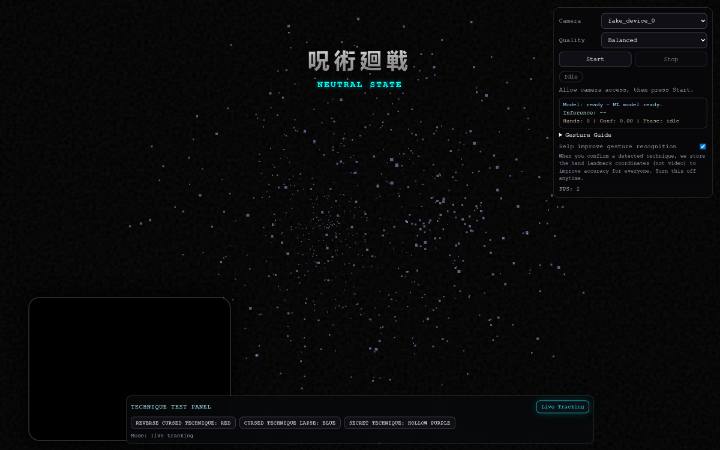
Hand-tracked cursed-technique visualiser: MediaPipe landmarks drive a Three.js particle engine, with an ML classifier picking the technique in real time.
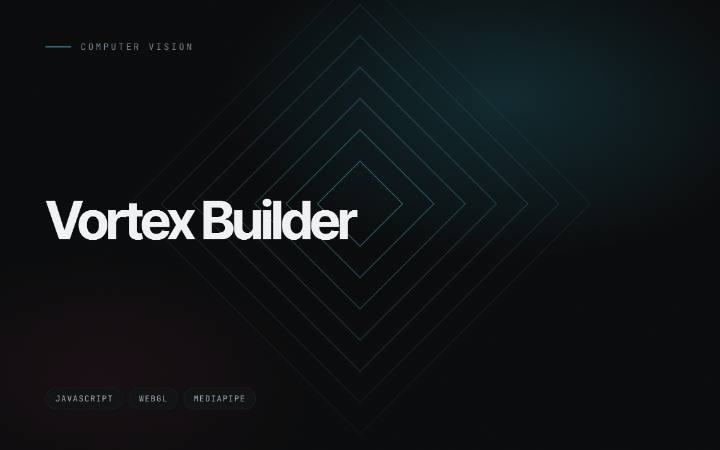
Build voxel structures in the air over your webcam feed: pinch to place, pinch and drag to paint, make a fist to turn the build. A second synced page drives presets and shows live status.
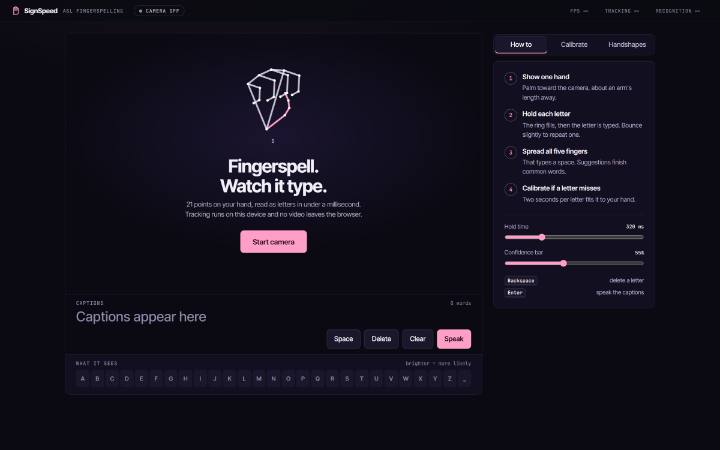
ASL fingerspelling to text from a webcam. It reads hand geometry instead of pixels, so all 26 letters work with no training, and two seconds of calibration per letter fits it to your own hand.